Speculators Branding Guide
Fast, practical guidance and assets for using the Speculators brand in docs, slides, blogs, papers, and social posts.
- Audience: engineers, researchers, technical writers, and maintainers
- Formats: SVG (preferred for quality and scaling) and PNG (fallback for slides, web)
- Location: all assets live in
docs/assets/branding
Quick Start
- Pick the correct asset type:
- Logos (wordmark + symbol) for full brand representation
- Icons (square) for compact usage or avatars
- Model Icons for architecture/diagram callouts
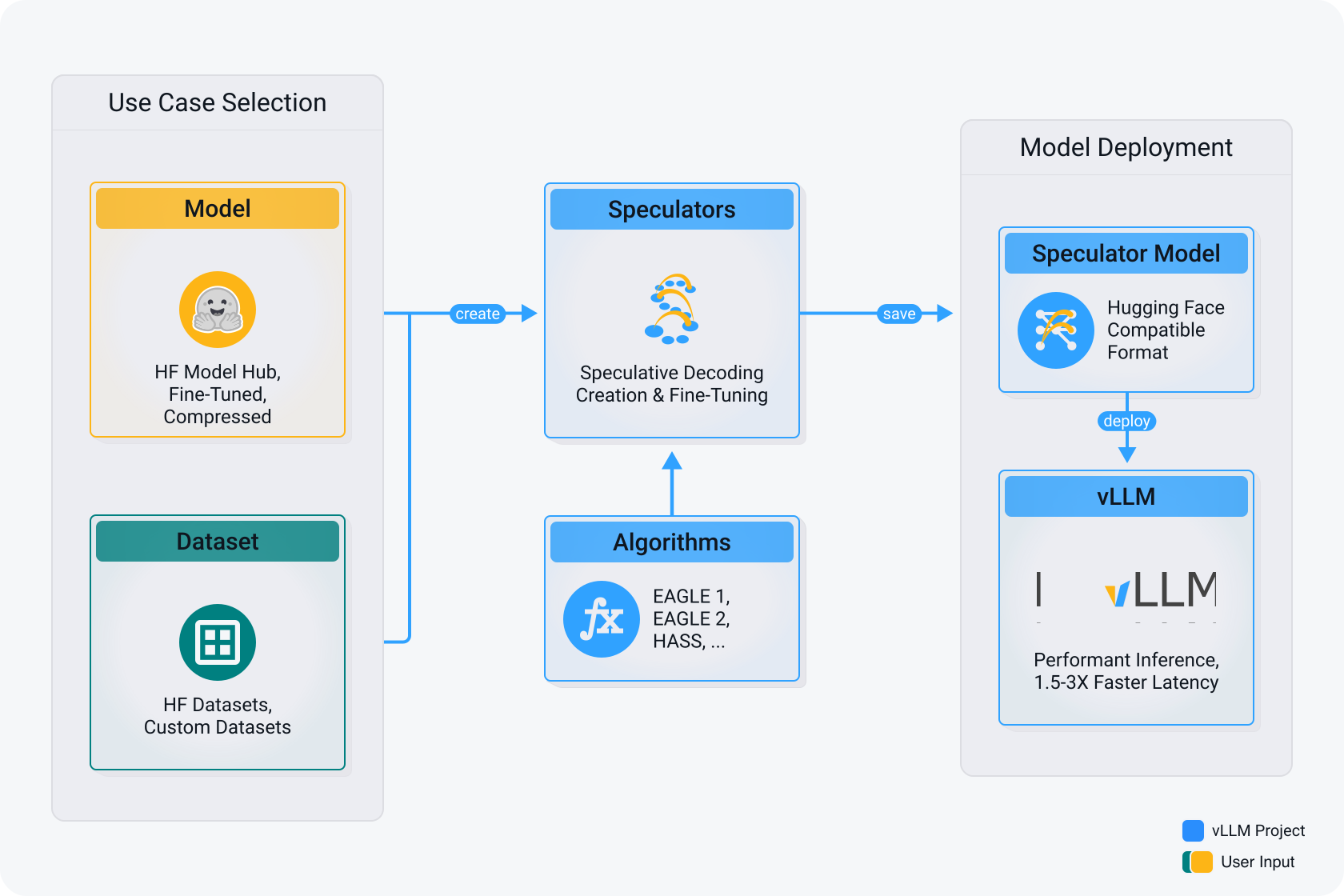
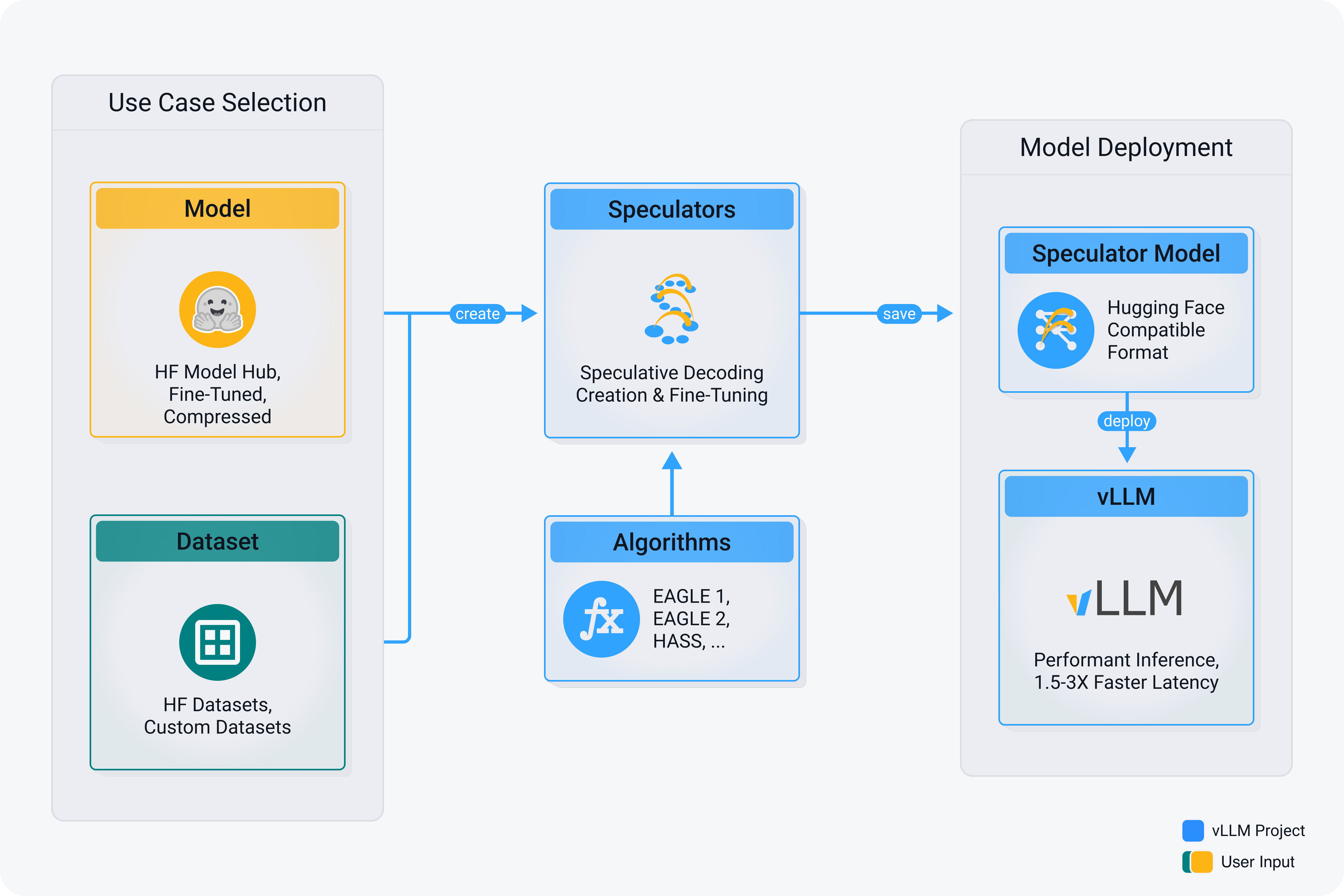
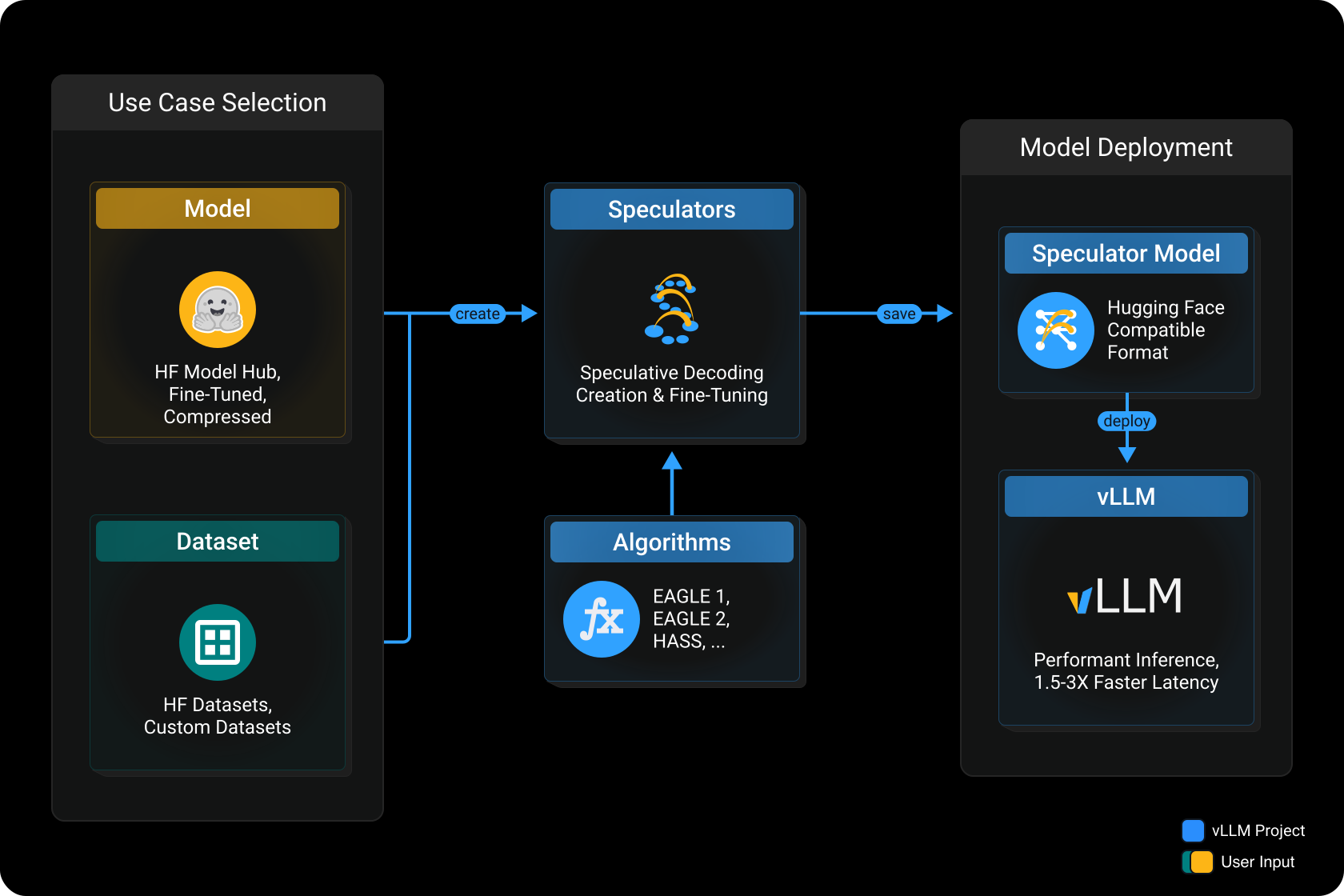
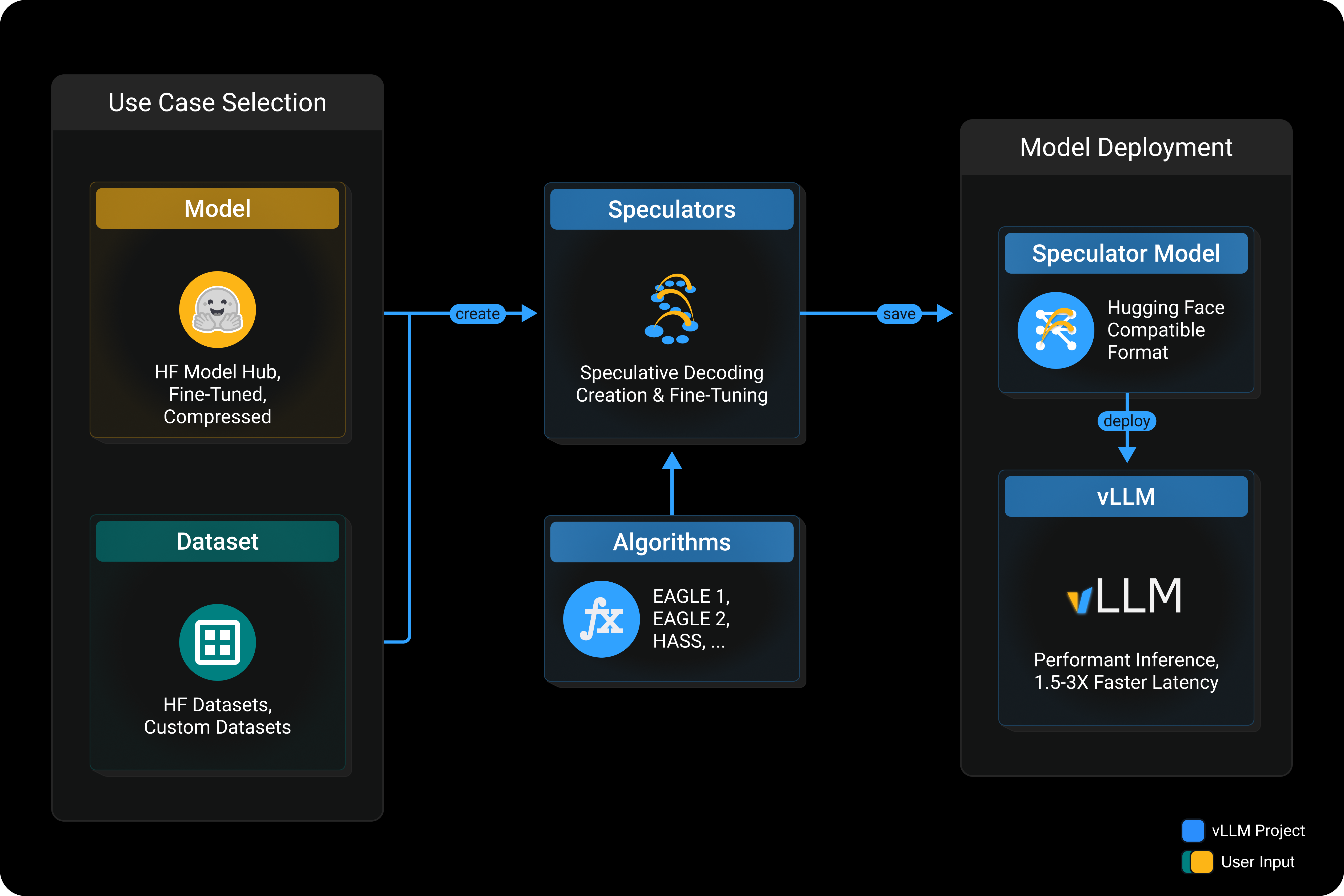
- User Flow diagrams for product explaining visuals
- Choose the right color for contrast:
- Black on light backgrounds; White on dark backgrounds
- Blue/White-Orange are accents
- SVG is preferred for quality and scaling; use PNG for raster contexts (e.g., slides)
- Maintain clear space and minimum sizes (see below)
- Add descriptive alt text for accessibility
- Cite the project where appropriate
Project Summary
Speculators is an open, unified library for creating and storing speculative decoding algorithms for efficient LLM inference. It integrates with Hugging Face formats and pairs with vLLM for production serving.
Asset Catalog
All files reside in docs/assets/branding.






















Usage Guidelines
Logos (Full Lockups)
- Clear space: keep at least the full logo height around all sides
- Minimum size: 120 px width (PNG), no minimum for SVG beyond legible rendering
- Backgrounds: use Black on light; White on dark; Blue as an accent
- Do not: modify colors, add effects, stretch, skew, rotate, or outline the mark
Icons (Square Mark)
- Use for small spaces (avatars, tiles, compact headers)
- Preserve 1:1 aspect ratio; do not crop or place in a container with rounded mismatch
- Minimum size: 24 px (prefer SVG; use PNG ≥ 64 px)
- Do not add shadows, strokes, gradients, or recolor arbitrarily
Model Icons
- For diagrams referencing model abstractions; not a replacement for the primary logo
- Keep consistent scale, margins, and stroke weight with surrounding diagram elements
User Flow Diagrams
- Use the Light or Dark theme as-is; do not edit labels, arrows, or spacing
- Prefer SVG for clarity and printing; scale uniformly
Do and Avoid
| Do | Avoid |
|---|---|
| Use supplied SVG for scalable quality | Recreating marks from scratch |
| Maintain clear space and aspect ratio | Distorting, squeezing, or rotating |
| Choose color for sufficient contrast | Recoloring to arbitrary hues |
| Use a single primary mark per surface | Layering multiple logos |
| Attribute the project when citing | Using assets to imply endorsement |
License & Attribution
- License: assets are distributed under the Apache License 2.0 for identifying the Speculators open-source project
- Do not use assets to misrepresent affiliation or create derivative brand identities
Changelog
- v1: Initial public set of logos, icons, model icons, and user flow diagrams